Documents: medical certificates
The Documents section collects the medical certificates attached to sick leave requests: list, download, deletion, retention and storage used.
The Documents section (#documents) contains only the medical certificates that people have attached to sick leave requests. LeavePilot does not handle any other personnel document.
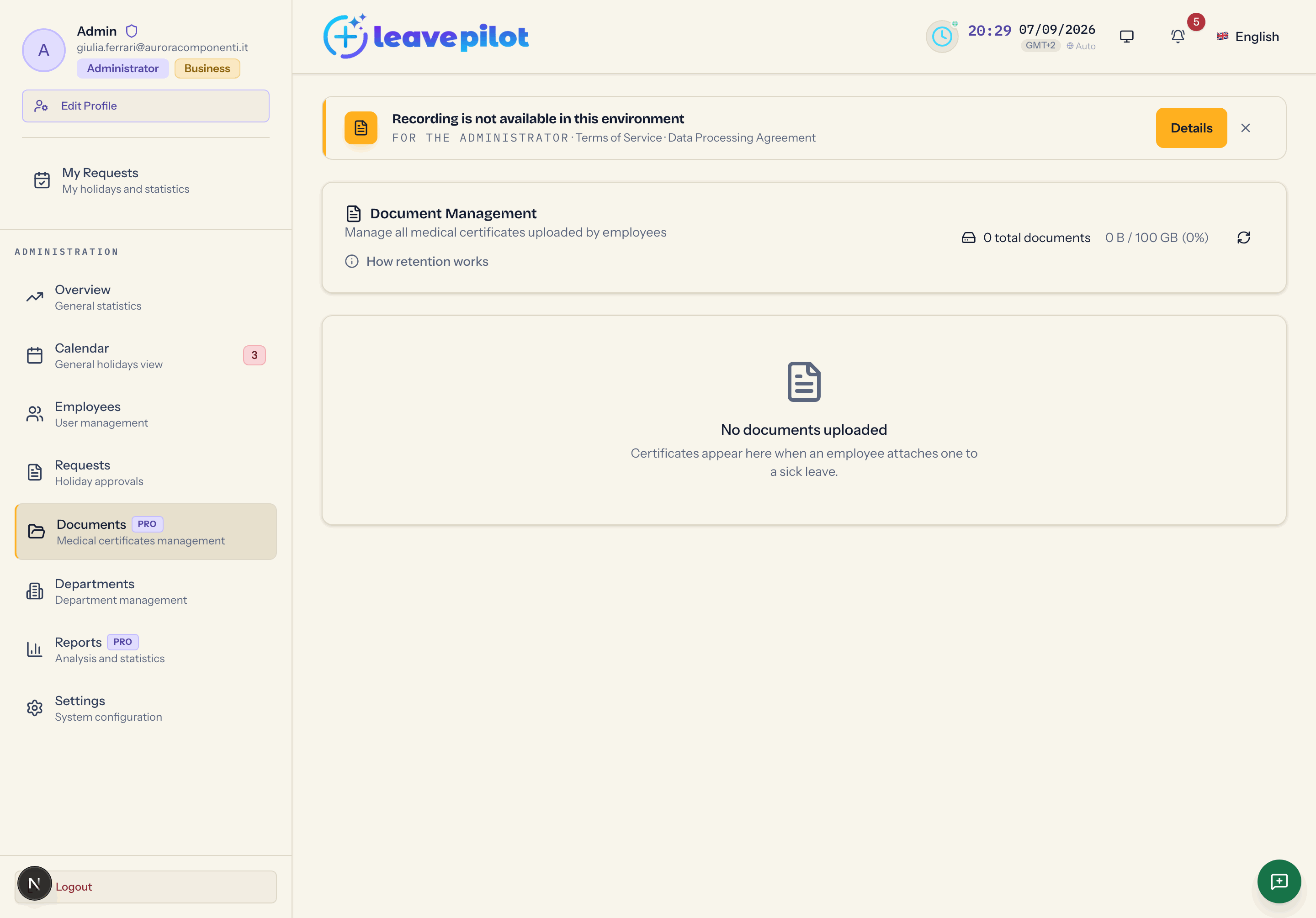
How retention works
The How retention works button opens the text that explains the rule: LeavePilot transmits certificates, it does not keep them indefinitely. Each certificate stays available for 12 months from upload, then it is deleted automatically (the cleanup runs on the first day of each month). Retention of personnel documents remains the company's responsibility: download the ones you need in good time.
Files are encrypted on the server and are also deleted when the request they belong to is deleted, or when the person who uploaded them is deleted.
Storage used
At the top, the {n} total documents summary and {used} / 100 GB ({percentage}%). Past 80% Storage Warning appears, past 95% Storage Critical and at 100% Storage Full: delete the documents you have already downloaded to free up space.
Besides the on screen warnings, when an upload takes the used space past 80% every active administrator receives the Storage Quota Alert email (past 95%, CRITICAL: Storage Quota Exceeded), with the percentage reached and the storage summary. Deleting expired certificates, on the other hand, happens silently.
The list
The columns are Type (PDF or image icon), File Name, Size, Upload Date, Uploaded by (name and email) and Actions (download, delete). The File Name, Size, Upload Date and Uploaded by headers sort the list, reloading it from the server: the order applies to every document, not just the ones on screen. On a phone each document is a card.
There is no search box and no filters: to find someone's certificate, sort by Uploaded by, or open their sick leave request from the Request management section and download the file from there.
When automatic deletion is 60 days away or less, Automatic deletion in {n} days appears next to the date (or tomorrow, imminent).
If there is nothing: No documents uploaded, "Certificates appear here when an employee attaches one to a sick leave".
Downloading
The download button saves the file under its original name. Only administrators and the person who uploaded the file can download it; department managers cannot.
The same file can also be downloaded from the request details in Request management.
Deleting
- The bin on a document deletes it immediately, with no confirmation.
- Selecting several documents brings up {n} selected with Delete selected, which does ask for confirmation.
Deleting removes the encrypted file and its record; the sick leave request stays.
What the person sees
Whoever uploaded a certificate sees their choice (file uploaded, or a commitment to send it) in the details of their own request. They have no documents section in their own area.